How do I connect Innergy to the Health app on my device?
When you first install Innergy and login, you will be shown a screen asking for your permission to connect Innergy to your health app. Once you allow access on this screen, Innergy will stay connected to the health app on your device.
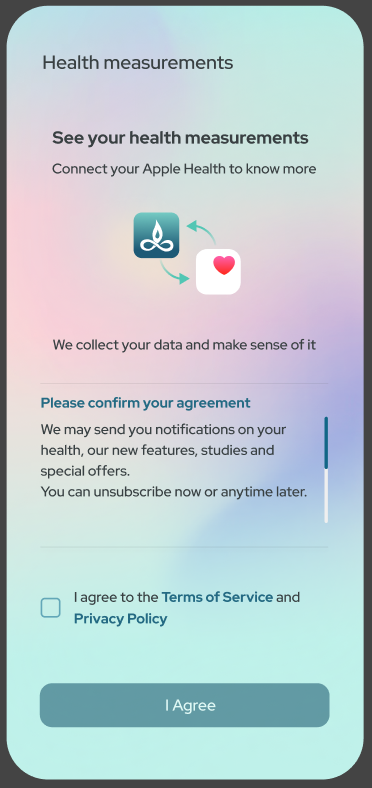
If you want to disconnect Innergy from your health app on your iPhone, follow the steps below.
If you want to disconnect Innergy from your health app on your iPhone, follow the steps below.
- Open Health app on your phone.
- Tap your profile icon on the top right.
- Browse to Apps & Services under Privacy.
- Tap Innergy.
- Tap Turn Off All to complete the disconnect.